
New & Improved Template Editor
We’re excited to introduce the latest update to the Template Editor, bringing a refreshed interface, improved design capabilities, and new tools to make creating templates faster and more flexible.
Updated User Interface
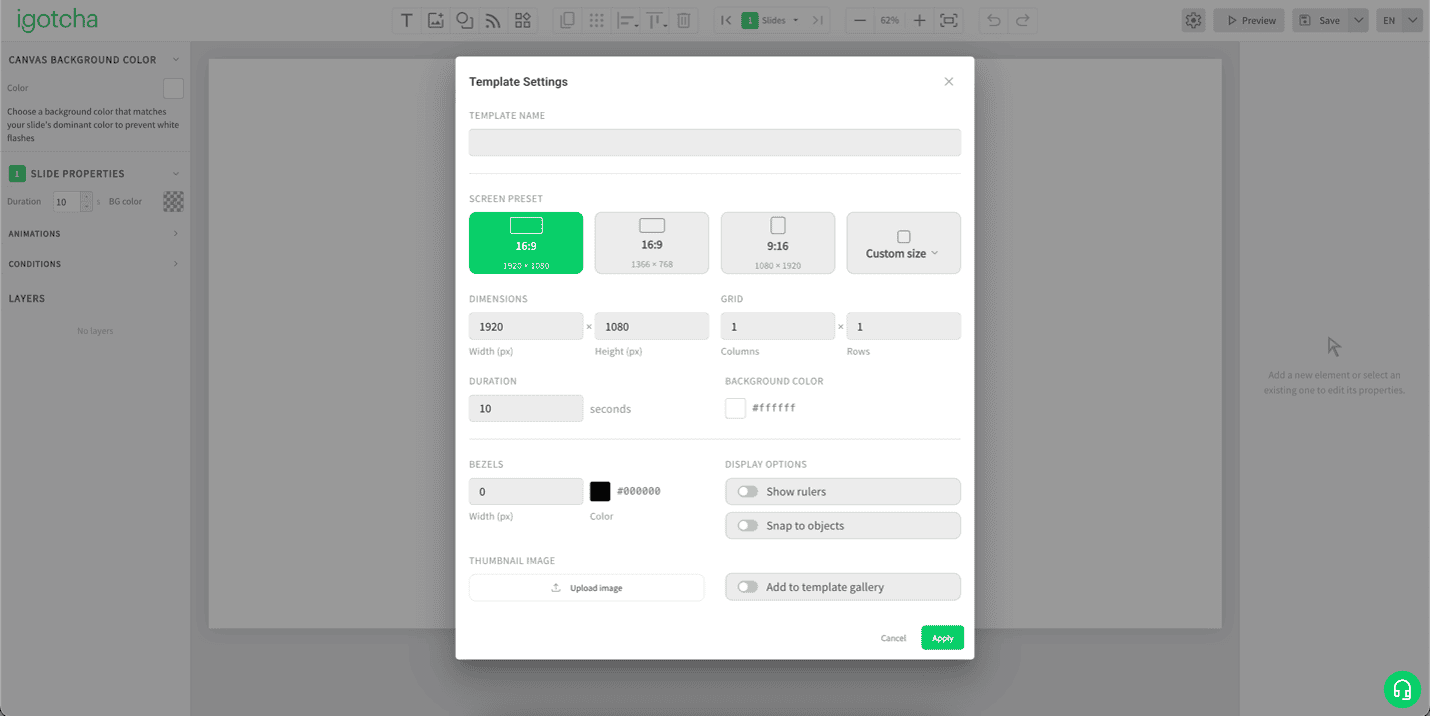
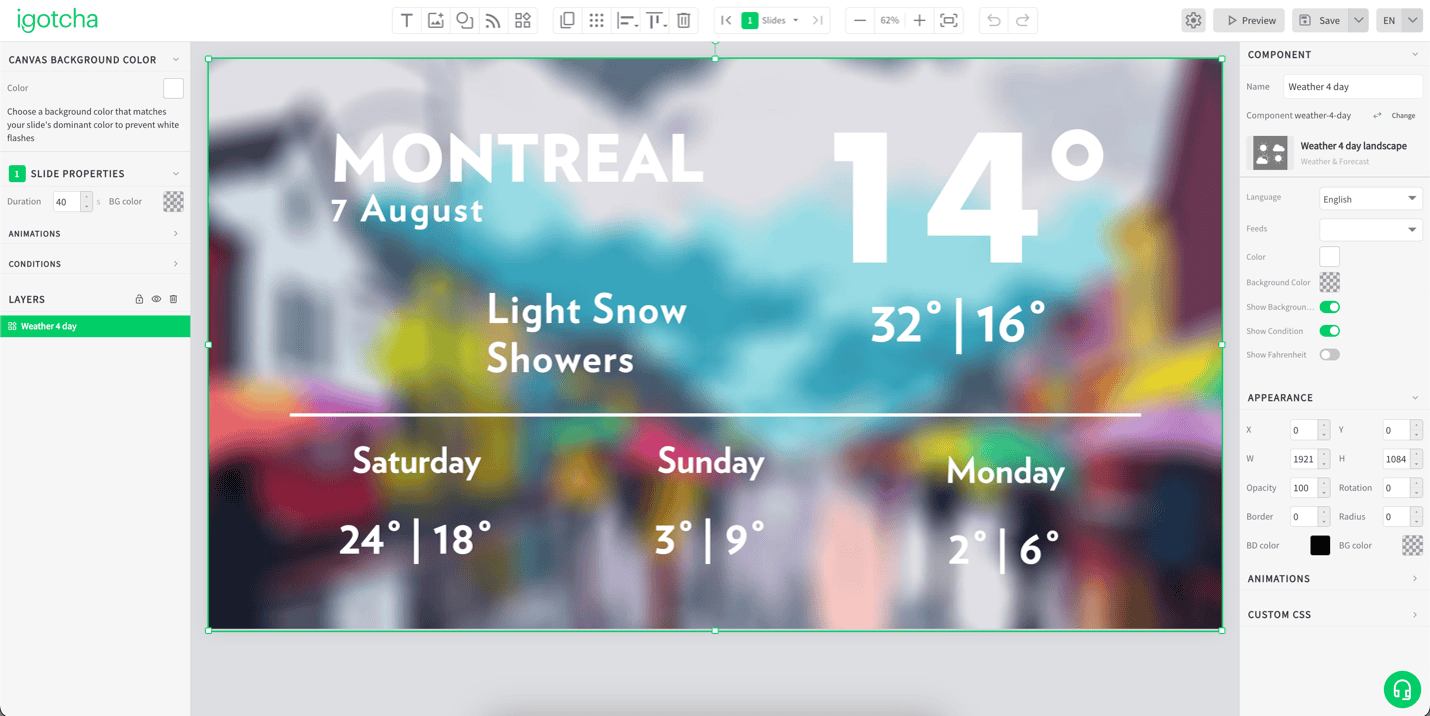
The Template Editor now features a redesigned layout with all configuration options consolidated on the right-hand side. This streamlined interface makes it easier to access settings, adjust properties, and manage template elements while keeping your canvas clean and organized.
New Shapes Library
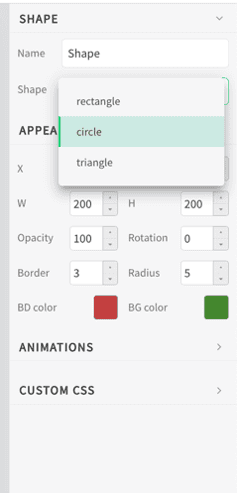
Create more dynamic designs with the addition of new shape elements. Users can now add visual components directly in the Template Editor to enhance their layouts.
Shape and Image Rotation
Objects can now be rotated with greater flexibility, allowing users to create more creative and visually engaging designs.
HSV and HEX Colour Support
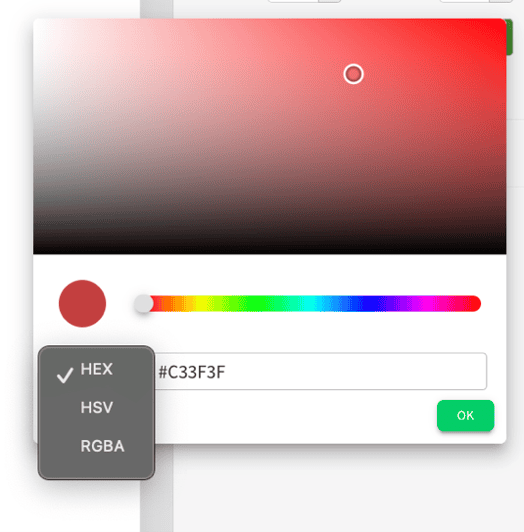
The updated colour system now supports both HSV and HEX colour codes, providing greater precision and consistency when applying brand colours and custom designs.
Improved Colour Picker
A redesigned colour picker makes selecting and customizing colours easier, giving users more control over their template designs.
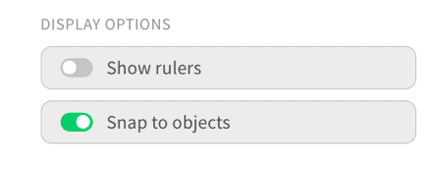
Snapping Tool
The new snapping tool helps align elements more accurately, making it easier to create clean, professional-looking layouts with improved positioning and consistency.
Automatic Template Thumbnails
Template thumbnails are now generated automatically, making it easier to identify and manage templates across the platform.
Custom Font Uploads
Users can now upload their own custom fonts directly into the Template Editor, providing more flexibility for maintaining brand identity and design consistency.
A Better Template Creation Experience
With a refreshed interface and powerful new design tools, the updated Template Editor provides a faster and more intuitive experience for creating engaging digital signage content.
